


- Resmi Gönderi
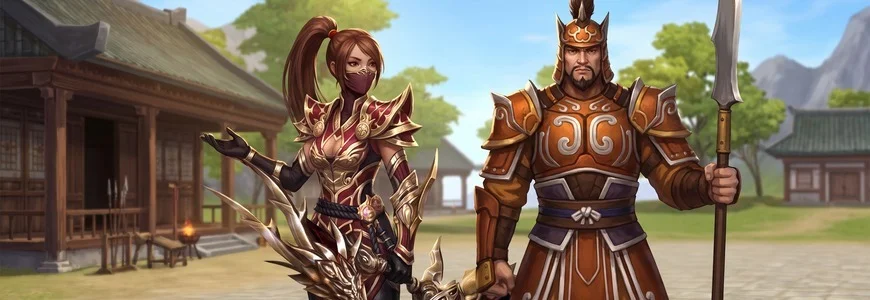
The guild system is active on Drago2. You can create your own guild, purchase land as guild leader to build a guild hall in your area, and take part in tournaments. Here, the Metin2 guild system operates through three separate NPCs: the Guardian for creating a new guild, leaving a guild, disbanding a guild and checking the guild rankings; the Land Agent for purchasing land; and the Battle Bailiff for the PvP Arena and tournaments.
In this guide, you’ll find step-by-step details on the requirements for creating a guild, the questions the Land Agent asks when selling land and the rejection messages they provide, the upgrade masters in the guild hall, the current status of the guild rankings, the circumstances that prevent tournament registration, and the item required to change kingdoms.
Where Is the Guild System Located and Which NPC Handles It?
The 1st and 3rd villages of the three kingdoms are closed to players. If a character enters the game whilst on one of these maps, they will be teleported directly to Dragon’s Eye Castle. Dragon’s Eye Castle is a shared city map where all kingdoms are located together, and each kingdom has its own separate area.
The NPCs you’ll need to carry out guild operations within the castle are all present:
- Guardian: found separately for each of the three kingdoms. Provides menus for creating a new guild, leaving a guild, disbanding a guild and viewing the guild rankings.
- Battle Bailiff: also present separately for each of the three kingdoms. This is the NPC that sends you to the PvP Arena.
- Land Agent: sells guild plots exclusively to guild leaders, and the sale is processed for the plot you are currently standing on.
You can teleport to your own area within the castle using the Teleportation Ring. All markets have also been transferred to this new city map.
Creating a New Guild: Requirements and Steps
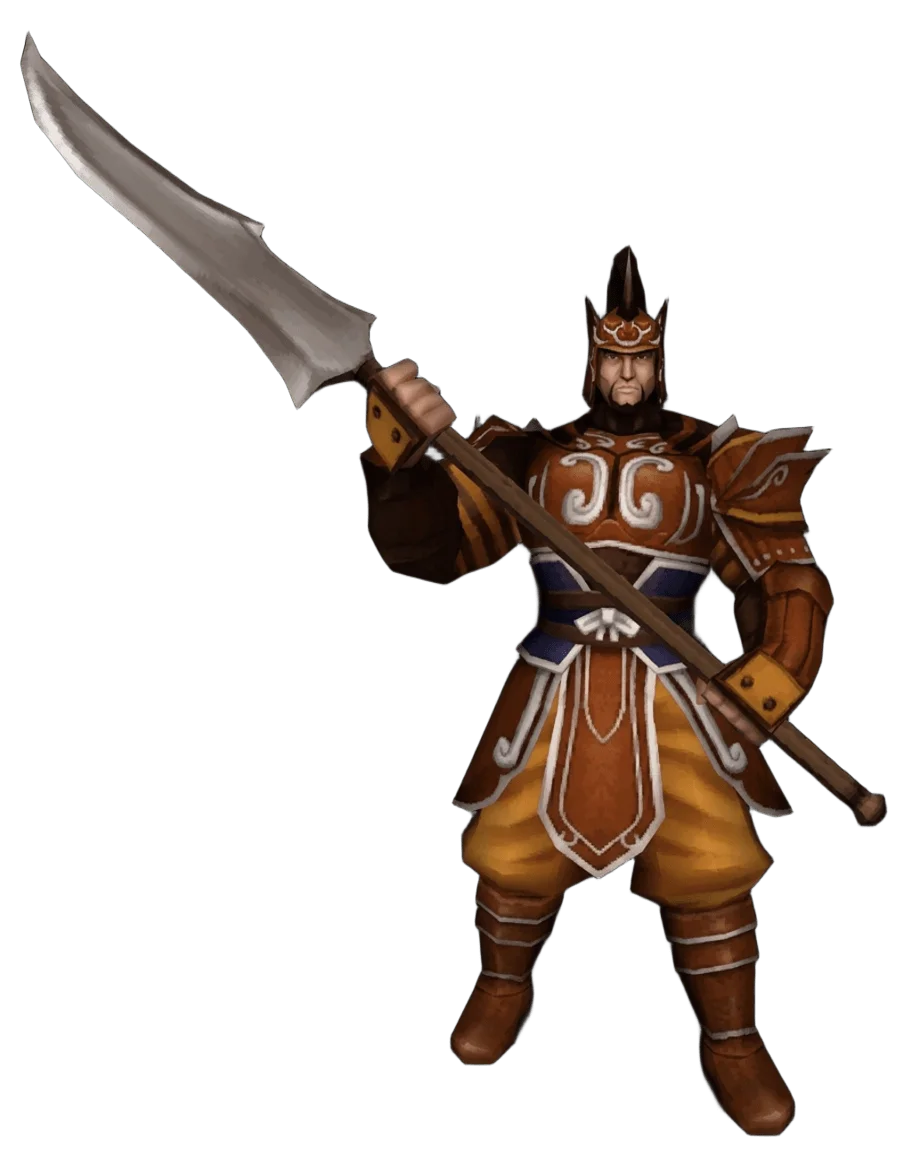
To create a guild, speak to the Guardian and select the ‘Create New Guild’ option from the menu. This option is only visible if you are not a member of any guild and are not a guild leader.
The NPC will first ask if you wish to create a guild and display the required fee. If you say ‘Yes’, you will be asked to enter a name for your guild. Any characters other than letters and numbers in the name you enter will be automatically removed; if the remaining part does not meet the permitted length, the process will be halted. It will then display the name you have entered and ask for your confirmation. After confirmation, your Yang, level and guild membership are checked in turn. If everything is in order, a message stating that the guild has been created will appear on the screen and the fee will be deducted from your account.
Common rejection messages include: the menu will not open if you are already a member of a guild; if you are already a guild leader, the guild cannot be created; if you do not have enough Yang, a ‘not enough Yang’ warning appears; if your level is too low, you are told your level is insufficient; if a guild with the same name already exists, creation is not permitted; and if the name does not comply with the rules, a special character warning is displayed.
Requirements for creating a new guild
| Requirement | Required value |
|---|---|
| Character level | 40 |
| Set-up fee | 1,000,000,000 Yang |
| Guild name length | Minimum 3, maximum 11 characters |
| Guild name content | Letters and numbers only |
| Current guild status | Not being a member of any guild and not being a leader |
Purchasing Guild Land: Step-by-Step Guide with the Land Agent
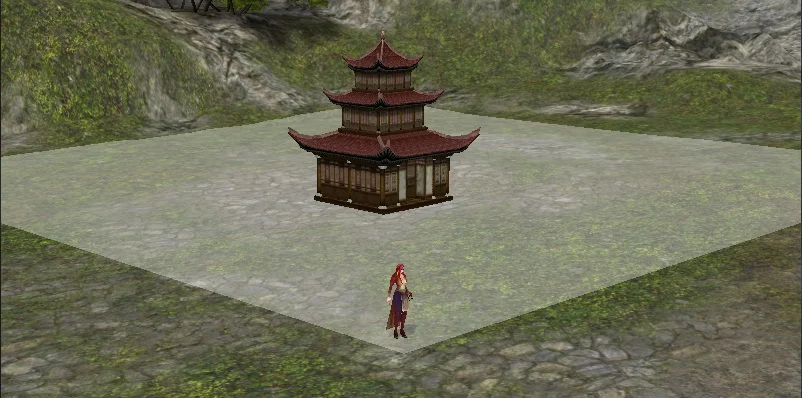
Guild land is a plot of land purchased to enable a guild to establish its own guild area. The purchase is made via the Land Agent and is available only to the guild leader.
The most critical factor is your position: you must be standing on the plot of land you wish to purchase. The NPC will always sell the plot at your current location. If you are standing in the wrong place, you will receive an order error message.
Requirements are as follows:
- You must be the guild leader.
- The guild must have reached a certain level. The required level varies from plot to plot, and the NPC will inform you of the specific level required for that plot.
- Enough Yang to cover the plot’s price. The price also varies by plot and is stated by the NPC.
The process is as follows: the Land Agent introduces themselves and asks if you wish to purchase a plot of land. If you say ‘Yes’, they first check your guild leadership status and whether your guild already owns a plot of land. They will then tell you the required guild level and the price for the plot you are on. If your guild’s level is sufficient, they will ask if you wish to pay the plot price in Yang. If you say ‘Yes’, the payment is made, the plot is registered in the guild’s name, and an announcement is broadcast across the server stating that the guild has acquired the plot.
Please note: each guild may own a maximum of one plot of land. If the guild already owns a plot, the Land Agent will not sell a second one.
Circumstances in which the Land Agent does not sell plots
| Status | The Land Agent’s reply |
|---|---|
| You are not the guild leader | I’ve already told you; I don’t sell plots to just anyone. |
| The guild already has a plot of land | Each guild may have a maximum of one plot of land. |
| The guild’s level is insufficient | Your guild hasn’t reached this level yet. I’m sorry. |
| Plot sold to another guild | This plot of land has been sold to another guild. I’m sorry. |
| Not enough Yang | I’m the Land Agent; I don’t set the price. Bring me more Yang. |
| The spot you’re standing on is not a plot for sale | An error occurred during the order. |
Upgrade Masters in the Guild Hall
The masters in the guild area perform item upgrades with a higher success rate than the blacksmith in the village. All you need to do is click on the relevant master and hand over the item you wish to upgrade; the upgrade process then proceeds via the standard upgrade window.
If the master is based in your own guild’s hall, they will inform you that members receive an additional 5 per cent discount. There are no extra restrictions for these masters; they will provide their services even if they are not from your own guild.
Upgrade masters in the guild area
| Master | Items upgraded |
|---|---|
| Weaponsmith, Stanley | Weapons |
| Armourer, Stanton | Armour, shields and helmets |
| Goldsmith, Starbuck | Bracelets, earrings and shoes |
Guild Skills and Monsters in the Guild Area
Blood of Dragon God is a guild skill that temporarily increases the maximum health of all guild members. Its effect only works within guild content, and its maximum level is 7.
Although the guild monsters you encounter in guild content are of the same level, their combat styles differ. There are three distinct types: ranged, wizard and melee; take this into account when forming your group.
Guild monster values
| Monster | Level | Health | Combat style | Attack damage |
|---|---|---|---|---|
| Guild Archer | 120 | 200,000 | Ranged | Between 174 and 293 |
| Guild Mage | 120 | 200,000 | Wizard | Between 174 and 293 |
| Guild Warrior | 120 | 500,000 | Melee | Between 150 and 300 |
Watching a Guild Battle as a Spectator
You can watch ongoing guild battles as a spectator. To do this, speak to the guild battle spectator NPC and select the ‘battle list’ option. There are three separate spectator NPCs offering this service.
The NPC lists the battles currently in progress, showing the names of the opposing guilds; there is an ‘Exit’ option at the end of the list. When you select the match you wish to watch, you will be teleported to that battle’s spectator point. If there are no ongoing guild battles at that moment, the list will be empty and the NPC will inform you of this. There is no separate level, Yang or guild requirement for spectating.
Guild Rankings, Points and Battle Statistics
You can view your guild’s position in the rankings, its points and battle statistics via the Guardian. There are three separate menu options:
- Show my guild’s ranking: lists your own guild and other guilds close to you in the rankings.
- Top guilds: lists the eight highest-ranked guilds.
- Show my guild’s points: displays only your own guild’s ranking number and points.
Both lists feature columns for guild name, points, victories, draws and defeats. These menus are for information purposes only; they do not allow you to receive or send items or Yang. If you are not a member of any guild, these options will not be visible.
The situation is different in the F7 Ranking system, which is a separate matter: the system is currently active only for players; the guild ranking section is temporarily closed and there are no rewards for this section at present. Guild rewards are designed to differ from player rewards; however, as the section is closed, the details have not been announced yet.
PvP Tournament: Circumstances Preventing Registration and Participation
The PvP Tournament is a PvP Arena event where players battle one-on-one in a tournament format, and it opens during event times.
Registration is completed in three steps:
- Speak to the Battle Bailiff in the village and click on the ‘Go to the PvP Arena’ option. If you confirm, you will be teleported to the arena.
- In the arena, speak to Myonghorang the Wise and click on the ‘Join the Tournament’ option. You will be presented with two options asking whether you wish to participate.
- To return, use the ‘Return to Town’ option on the same NPC.
Once you have registered, you will be summoned when the tournament begins. The rule is simple: you must defeat every player you face. If the tournament time has not been set, the Battle Bailiff will inform you that the start time has not yet been decided and that they will notify you when the time comes.
Certain circumstances prevent participation during both the teleportation and registration phases. If you are a group leader, you cannot participate without disbanding the group; if you are in a group, you cannot participate without leaving the group. You cannot register whilst transformed, or whilst riding a mount or a horse.
Circumstances preventing participation in the tournament
| Status | On-screen warnings |
|---|---|
| If you are a group leader | You cannot take part in the tournament unless you disband your group. |
| If you are in a group | You cannot take part in the tournament unless you have left the group. |
| If you are transformed | You cannot take part in the tournament whilst transformed. |
| If you are using a mount or a horse | You cannot take part in the tournament whilst riding a mount or a horse. |
| If the registration period is closed | Tournament registration is currently closed. |
| If you have already registered | You are already registered for the tournament. |
Tournament Rewards and Inter-guild Tournaments
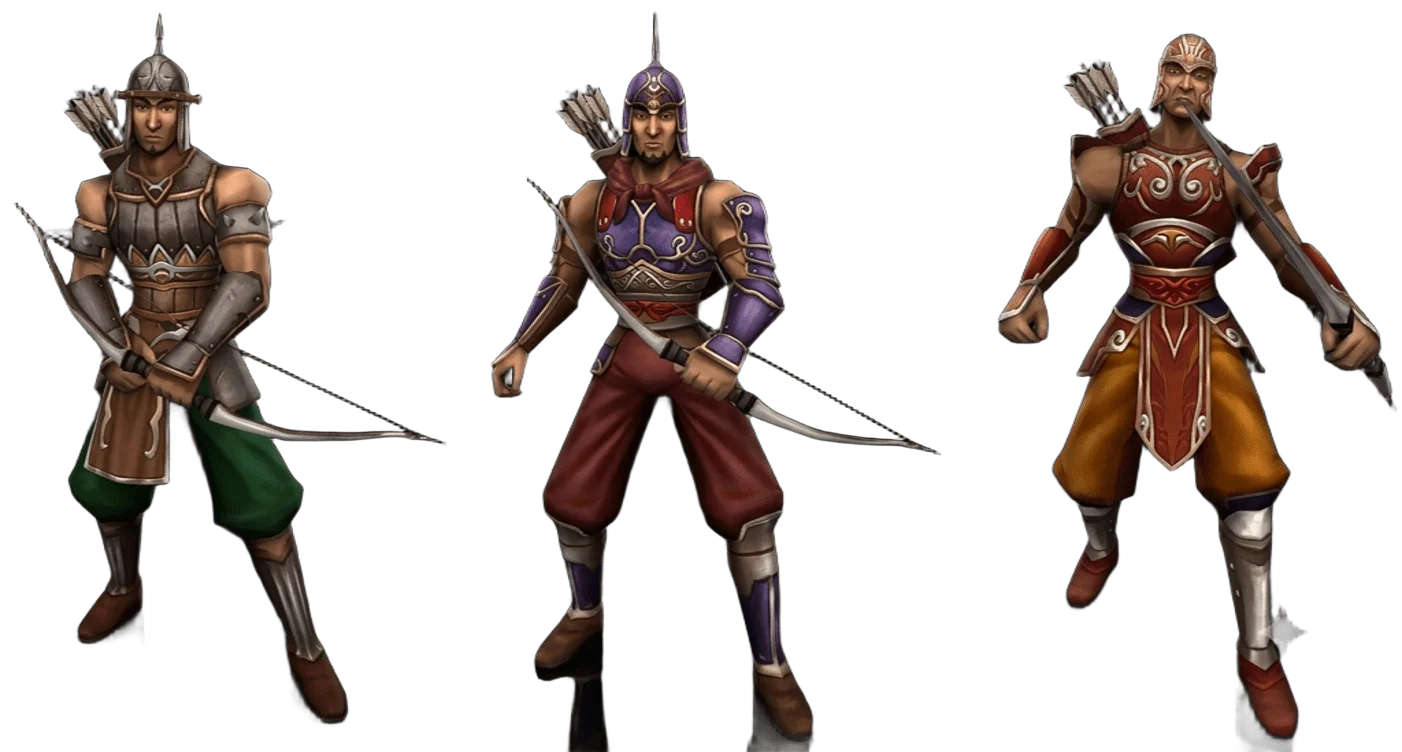
Tournament rewards vary depending on the participation conditions and the participant; they also differ depending on the type of tournament. There are two different tournaments for individual players, and the format of these two is not the same:
- Training Tournament: organised with Dragon Coins as prizes.
- Grand Tournament: organised with real-money prizes.
This distinction is not set in stone and may vary depending on numerous factors. Inter-guild tournaments are also organised; the registration method and conditions are shared in announcements during guild tournaments. There are currently no planned guild or individual tournaments, so it is best to keep an eye on the announcements.
The ‘Training Tournament’ and ‘General Tournament’ categories displayed in the rankings window do not currently offer prizes. These categories are listed in the window but are not included in the daily prize distribution.
Changing Kingdoms: Tincture of Kingdoms
To change kingdoms, you use the quest item Tincture of Kingdoms, which you buy from the NPC named Merchant.
This item changes only your character’s kingdom. A guild’s kingdom and a guild’s name cannot be changed; there is currently no item for either. You cannot change kingdoms whilst you are a member of a guild. You must leave the guild first; if you are the guild leader, you cannot leave, so you have to disband the guild instead. If you have only just left the guild or disbanded it, you have to wait a while before you can change kingdoms. After changing your kingdom, you can create a new guild.
Please note: the options to leave the guild and to disband the guild only work with your own kingdom’s Guardian.
Leaving a Guild and Disbanding a Guild
The procedures for leaving a guild and disbanding a guild are also found in the Guardian menu. The option to disband the guild is only visible to the guild leader, and the NPC must be from your own kingdom; a Guardian from another kingdom will not offer this option. If you want to change kingdoms, you must complete one of these procedures first, because you cannot change kingdoms whilst you are a member of a guild.
The NPC will first object and ask whether you wish to disband the guild. If you say ‘Yes’, the guild is disbanded immediately; the NPC will confirm that the guild has been disbanded and the guild will be dissolved. The date of disbandment and the date of leaving the guild are recorded. As this decision cannot be reversed, think carefully before taking this step if the guild owns land.